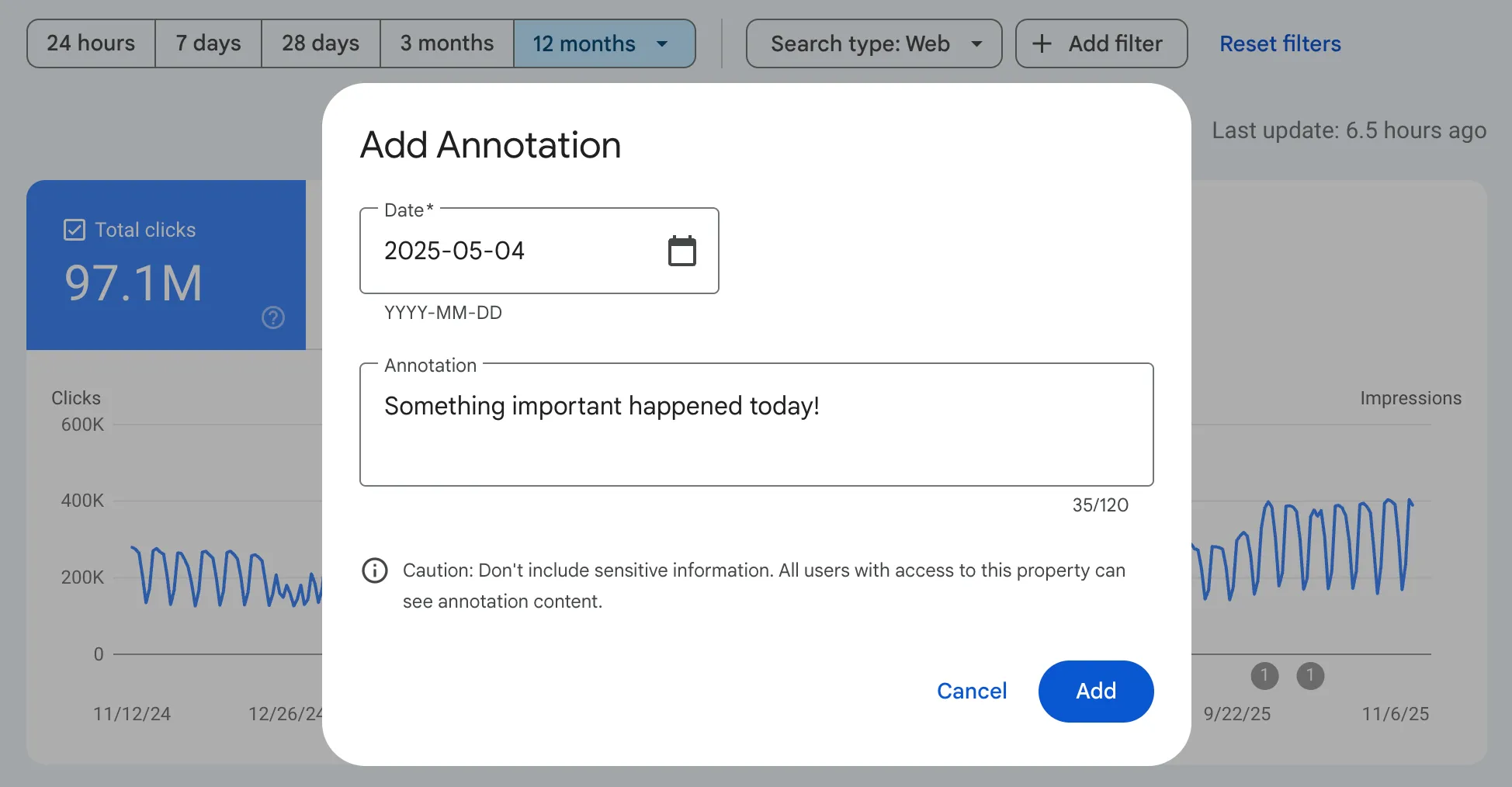
A new feature in Google Search Console now lets users directly add custom annotations in performance charts, offering better context for SEO analysis by marking key events like launches, bug fixes or algorithm updates.
Key takeaways:
You can add a note by right-clicking a chart date and typing your annotation (see image)
An annotation can be up to 120 characters long and must not contain URLs
Each property supports 200 custom annotations. Annotations older than 500 days will automatically be removed
Notes apply to each property individually (not across sites).
Examples of when you might add customer annotations, from Google
Infrastructure changes like updating a template or a site migration
SEO efforts like implementing a new plugin or hiring an agency
Changing content to focus on different user intents
External events that affect your business like a holiday
Overall, this update improves how teams track change context alongside SEO performance metrics, helping clarify “what happened when” in your traffic data.
Learn more about this update from @Google Search Console here.